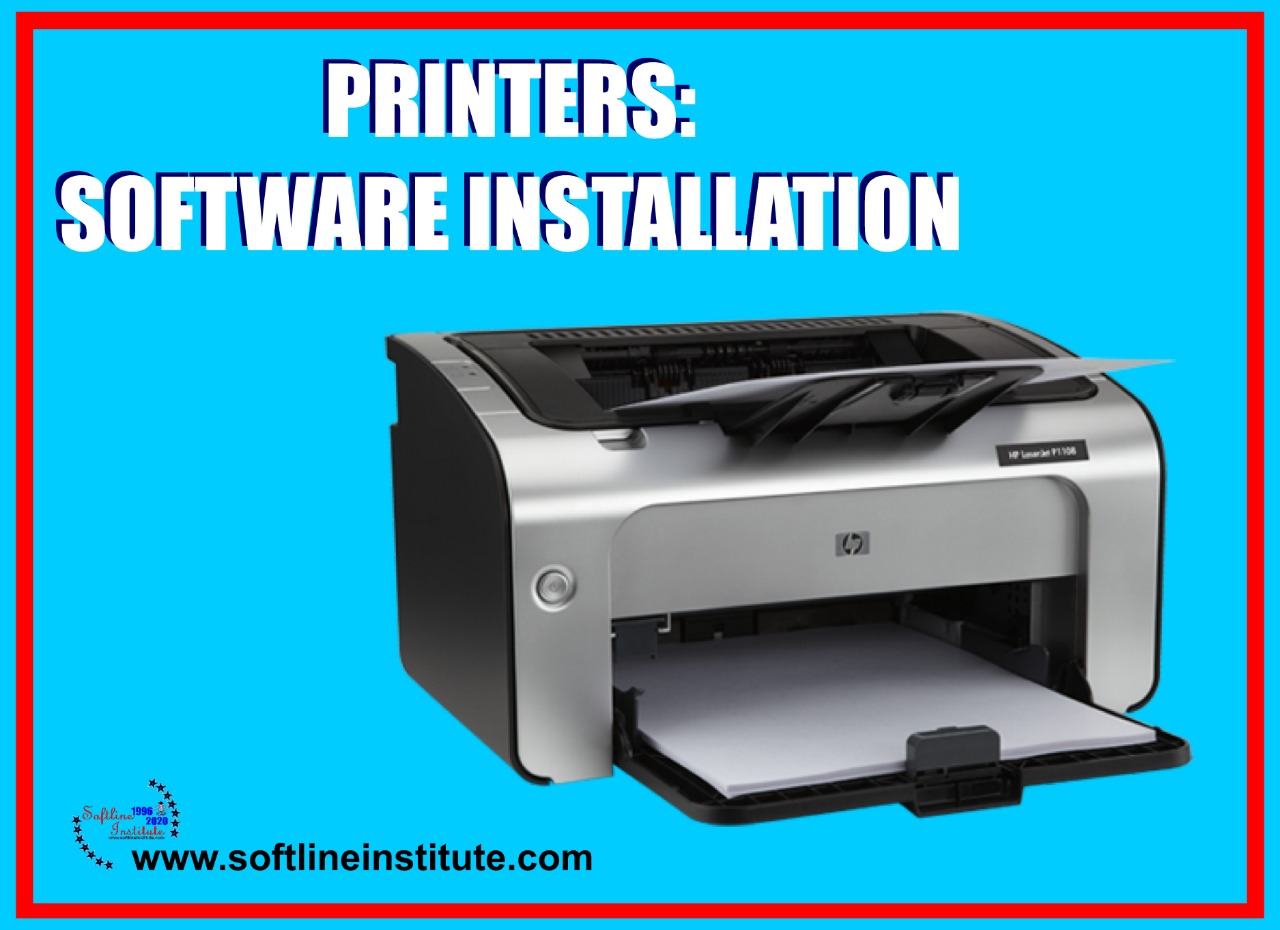
Printer Software Installation

Printer Software Installation

Uncategorized
Before you can use your printer, you must first install the printer's Software. Your printer's Software include printer drivers that support different versions of Microsoft Windows. Minimum System Requirements -Pentium processor -32 MB RAM (Window 95 and Window 98) -20MB free hard disk space Installation Considerations If you have any problems during the installation, try the following: -Check the power cord connections and power source -Make sure you are using a high quality IEEE-1284 compliant parallel cable. The following section lists several different methods of installation. Use the method most appropriate for your Computer System. Make sure that you quit all the software that is currently running, such as Microsoft Office manager, virus checker, and fax utilities, before starting the installation. Standard Installation for Windows 95; Windows 98; Windows 2000;…
Read More

Dot-Matrix Printer

Computer
Main sections of a Dot-Matrix Printers are:-Mechanical Section of Printer -Electronic Section of Printer Mechanical Section While Printing the moving parts of the Printers are called as Mechanical Section. The main parts of the Mechanical section are: -Carriage motor -Paper feed motor -Gears -Head -Belt Roller-Home and Paper sensor -Ribbon -Ribbon Cartridge -Cartridge Assembly Electronic Section This section is divided into three parts: -Power supply section -CPU section (Logic Board) -Interface Section Printers by different companies have different IC's used in these sections. Some Printers have all these sections on separate PCB board and some printers have two sections on a single board and third section on a separate board. Printing Process When Printers are switched on, different regulated DC voltages from power supply sections are supplied to the logic…
Read More
Constants in C-Language

Constants in C-Language

Computer Language
The Alphabets, numbers and special symbols when properly combined from constants and variables.A 'constant' is a quantity that does not change. this quantity can be stored at a location in the memory of the Computer.A 'variable' can be considered as a given name to the location in memory where this constant is stored. Naturally the contents of the variable can change.For example in the equation: 3X+Y=20,Since 3 and 20 can't change, they are called constants. Whereas the quantities X and Y can vary or change hence are called variable. C Constant At this stage we would restricts our discussion to the more commonly used constants. Like characters, integer, float, logical, and string constants. Let us see the details of each of these constants. For constructing these different types of constants…
Read More
C-Language

C-Language

Programming
Communicating with Computer involves speaking the language the Computer understands, which immediately rules out English as the language of Communication with computer. However, this is a close analogy between learning english language and learning C-Language. The Classical method of learning English and C-Language. The classical method of learning english is to first learn the Alphabets or Characters used in the language. then learn to combine these alphabets to form words, which in turn are combined to form sentences and sentences are combined to form paragraphs. Learning C-Language is similar and much more easy. Therefore, instead of straight-away learning how to write programs, we must first know which alphabets, numbers and special symbols are used in C. Then how using these data types, constants, variables, and keywords are constructed. And finally…
Read More
History of C Language

History of C Language

Computer Language
By 1960 a horde of computer language had come into existence almost each for a specific purpose. For example, COBOL was being used for a specific purpose. For example, COBOL was being used for Commercial Applications, FORTRAN for Engineering and Scientific Applications and so on. At this stage people started thinking that instead of learning and using so many languages, each for a different purpose, why not use only one language which can program all possible applications. Therefore, an international committee was set up to develop such a language. This committee came out with a language called ALGOL 60. However, ALGOL 60 never really became popular because it seemed to abstract, too general. To reduce this abstractness and generality, a new language called Combined programming Language (CPL) was developed at…
Read More
Edit Commands in Illustrator CS4

Edit Commands in Illustrator CS4

Computer Software
In most programs, including, many basic functions of the Edit menu work the same way. if you've used the Edit menu in Photoshop or Microsoft Word, for example, you should have no trouble using the same functions in Illustrator because the menu options are located in the same place in each program. The various commands under the Edit menu help you to quickly cut, copy, and paste objects from place to place as well as help you undo and redo previously applied commands. Using the Clear command in Illustrator CS4 The most simplistic Edit command is Clear. in Illustrator, it works almost exactly like Backspace (Delete). When something is selected, choosing Clear eliminates what is selected. You're probably asking yourself, 'If Backspace (Delete) does the same thing, why do we…
Read More
An Overview of Programming

An Overview of Programming

Programming
There is hardly any field left into which Computers have not make forays. We have reached a point where problem, be it of scientific, commercial or any other nature, can be solved by a Computer. There are tonnes and tonnes of Software available in every conceivable fields. These Software are nothing but just a collection of programs. Irrespective of the applications for which the program is mean, certain steps need to be followed while developing it. Developing any but the simplest of programs require a systematic step by step approach. (Programming language) As indicate in the figure the program cycle begins with the identification of the problem to be computerise. This phase begins as soon as someone-either the user or a member of the data processing department sees a problem…
Read More
Bluetooth

Bluetooth

Technology
When you realize that you forgot to pack the USB Cable necessary for downloading the Images from your digital camera. Try to use infrared to synchronize your palm, or want to share files without a network insight. Bluetooth starts to make a lot of sense. Itis a short-range, ad hoc networking standard that uses the same 2.4 GHz band as 802.11 b. Designed to run at a new raw rate of 1 Mbps over a net throughout of about 700 Kbps. It omits all the Ethernet-like overhead of 802.11 b. To enable quick connections between Computers and other devices, often for short periods or single-item transactions. Bluetooth Technology It uses frequency hoping instead of direct sequence, and Bluetooth devices change the frequencies 1600 times per seconds. This combination makes it…
Read More
Hubs

Hubs

Technology
What are Hubs? Hubs have two or more ports into which you can plug your Computers (although a two-port hub may seem fairly pointless, since it lets you connect only two Computers; two-port hubs tend to be extremely small and intended for creating quick Networks while travelling). As with Network Adapters. Hubs must support the type of Ethernet you Network uses, so if you have installed Fast Ethernet (100 Base-T) or Gigabit Ethernet (1000 Base-T), make sure your Hub supports it. Modern hubs can auto sense the speed of network and configure their ports appropriately- there is no problem with mixing and matching 10 Base-T devices and Fast Ethernet devices on a single 10/100 auto-sensing hub. Types of Hub There are three Types of Hubs- Passive, Switching and Intelligent 1.…
Read More