Classification of Computer

Classification of Computer

Computer
Digital computer may be classified as their size, cost, and the working capacities in the following sections:1. Home Computers 2. Personal Computers 3. Minicomputers 4. Workstations 5. Mainframe Computers 6. Supercomputers Home Computer A home computer primarily used for education and games. A very in expensive personal Computer, might actually be classified as a home computer. Among old models, the Apple II series and Tandy Colour computer are examples of home computers. Among the recent models, MacII and Network Computer (NC) computer considered as the Home computers. Personal Computer A personal computer is design for an Individual user. The personal computer is functionally identical to larger computers that serve multiple users and have greater disk storage capacities. Personal Computers are typically use for applications. Such as word-processing, spreadsheets, database management…
Read More
Translator

Translator

Computer
Translating Programs, also known as language processors. They are the system programs that translate a source program in high level language. Such as BASIC to an object program in Machine Languages or Binary language or in 0 and 1. Which is meaningful to the hardware of the Computer. These programs include the assembler and the various Compilers and Interpreters available with the System Software. A translating program is usually called from a direct access storage device only after the Job control program of the Operating System Interprets a job control statement and informs the operating System supervisor of what is needed. (translator) Compilers Since a Computer hardware is capable of understanding only machine level codes or in binary form. So it is necessary to convert the instructions of a program…
Read More
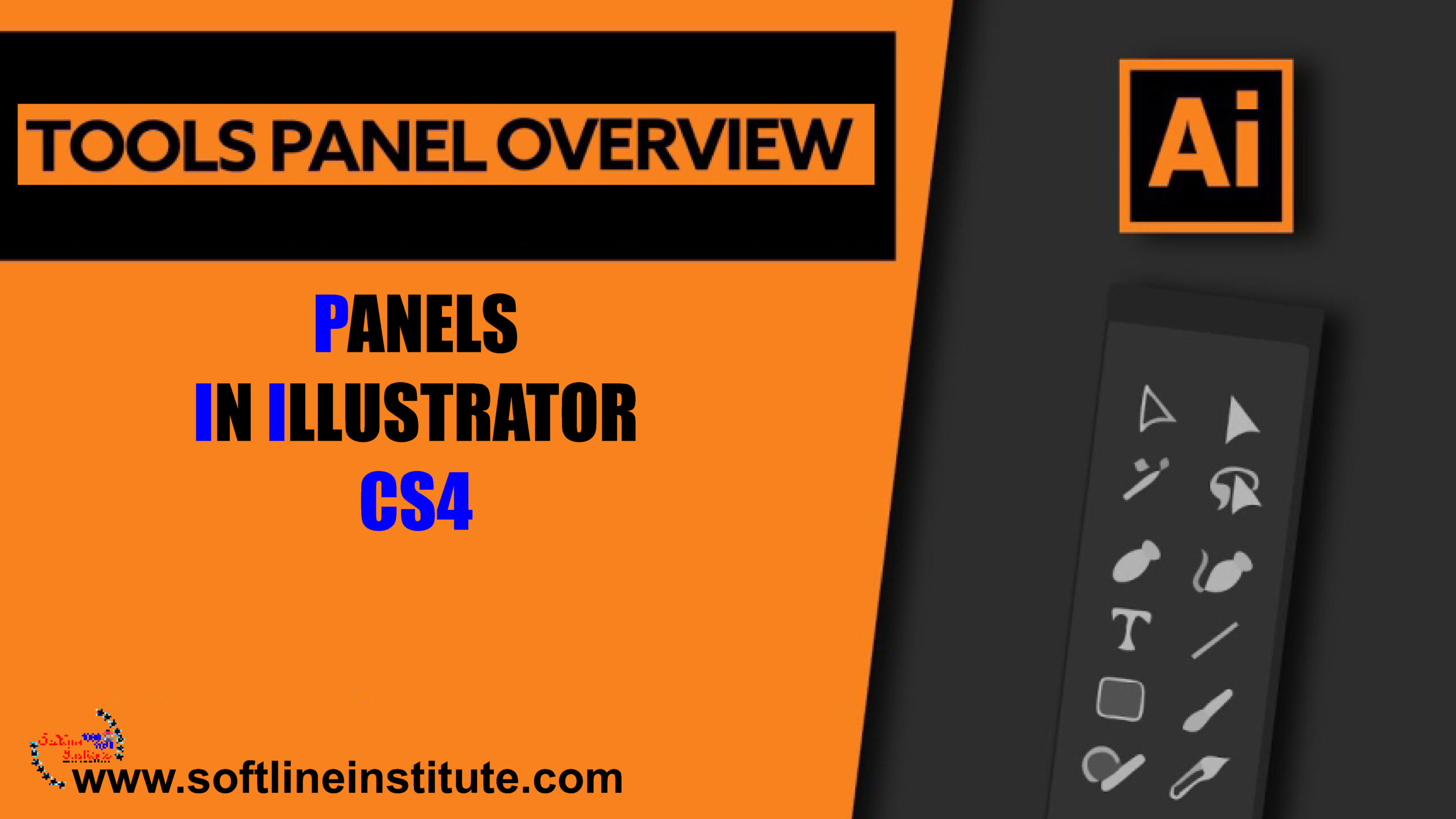
Panels in Illustrator CS4

Panels in Illustrator CS4

Uncategorized
Using the panels Panels are small windows that are similar to dialog boxes. Panels can float or be docked. To make the following discussion a little more readable. I'll refer to both as panels; they're mostly interchangeable terms when discussing how they work and the contents of each of them. Panels allow you to control virtually every aspect of the Illustrator drawing environment. Illustrator has 34 standard panels and an unlimited number of library panels (for swatches, symbols, brushes, styles and more), all of which can remain open while you work on your document panel. Technically speaking a Panel is a modeless window. The big difference between a modeless window and a dialog box is that you don't have to close the modeless window to perform other tasks. Therefore, you…
Read More
What is New In Illustrator CS4 ?

What is New In Illustrator CS4 ?

Computer Software
Multiple Artboards For 13 versions (give or take a depending on what you consider a version), Illustrator has supported a grand total of one page. Yes there are clever workarounds (page tilling, resetting ruler origins, etc) and even a plug-in third party that cleverly automates layers to stimulate multiple pages. But reality is that Illustrator was always a single-page application. Welcome to the New and Improved Appearance Panel The Appearance Panel redefined how Illustrator was used, turning a powerful vector-illustration Application into the powerhouse it is today. Several versions later, Adobe added all sorts of great extras to the Appearance panel. Enhancements include hiding and showing effects, quick access to stroke/fill/transparency attributes, and one-click access to applied effects. It's all polish, but it's the super-shiny kind. The updated Appearance Panel…
Read More
Understanding Illustrator ‘s Interface

Understanding Illustrator ‘s Interface

Computer Software
Not too long ago, Commercial Artists and Illustrators worked by hand, not on the Computers. You might find it hard to believe, but they spent hours and hours with T-Squares, Rulers, French Curves, and Types galleys from their local typesetters. After that transition, Computer Artists usually come face to face with the Illustrator, the industry-standard, graphics-creation software, for both print and the web. Picasso Meets Illustrator: Getting Started Illustrator arrives, and the enthusiastic artist-to-be. I'll call him Picasso. Opens the box, pops in the DVD, and installs the product. A few minutes later, Picasso launches illustrator, Opens a new file, and is faced with a clean, brand new empty document. A world of possibilities awaits, just a few mouse clicks away. But Picasso is a little intimidated by all that…
Read More
Understanding Illustrator’s Desktop

Understanding Illustrator’s Desktop

Computer Software
Working in the Document Window The document window of Illustrator's is where you perform all your work. It contains the two mail elements: Artboard and Pasteboard. Tip: You can move the printable area represented by the dashed lines. Using the Print Tiling tool (one of the optional modes of the Hand tool). The Print Tiling tool is covered later in this chapter. Illustrator's windows act like windows in most other programs. You use the title bar at the top of the window to move the window around your screen. On the Title bar, is the name of the document. If you've not yet saved your document, the name of the document is Untitled-1. With the number changing for each new document you create. (Hint: save it as soon as you…
Read More
Cell Phones: The Next Generation

Cell Phones: The Next Generation

Technology
Introduction of the next generation (Cell Phones) But a third generation of cell networks, sometimes called 3G, aims to turn digital data into the primary application of cell carries, with voice, multimedia, and Internet access all intermingles through a variety of devices, including phones and computer network adapters, but also kiosks and new consumer and automotive electronics. In the 3G world, data is available at all times. Because the cell network turns from a circuit-switched network into a packet-switched network like the Internet (in which the data to be transferred is broken into packets and sent along any number of paths), the cell phone and cell-enables devices are always connected to the network. 3G promises speeds of anywhere from a few dozen kilobits per second up to a few megabits…
Read More
Network Topologies

Network Topologies

Networking
Topologies are the way networks are physically connected together. Topology determines the complexity and therefore the cost of network cable installation. Cable installation can often be a major cost factor for network system. Topology also determines the strategy for physically expanding the network. Different way in which computers may be connected together are described in the following subsections. Linear Bus Topologies In this layout, a single main cable connects each node, in what amounts to a single line of computers accessing it from end to end. Each node is connected to two others except the machines at either end of the cable, which are connected only to one other node. The network operating systems keeps track of a unique electronic address for each node manages the flow of data based…
Read More
Mesh Networking

Mesh Networking

Networking
Networking Basics, as one of the standards network typologies. Mesh networks don't connect notes back to a central hub, or daisy chain one to the next. Rather, they arise from a side effect of radio transmission, in that every radio transceiver can conceivably "see" and "hear" a number of other transceivers. Mesh Networks can form opportunistic routes, in which each node's router sends data in the most efficient way among many different nodes that it can see. This not only reduces chokepoints but also adds redundancy, ensuring that s single node's outage doesn't bring down a network. Note:The Internet is supposed to work this way and sometimes does, but the number of possible routes on the internet's high-level, long-haul routes is limited by actual physical connections between networks and machines.…
Read More
The future of wireless

The future of wireless

Modern World
INTODUCTION We live in a world (wireless) in which we accept not just that technology constantly changes, but also that the rate at which technology changes will continue to increase. With many technologies,change affects only the use of the technology itself, not the world at large. Faster processors means that programs run more quickly. Larger monitors let you see more onscreen at once, Faster network adapters reduce the time it takes to copy files to or from a file server. But none of these extremely welcome technological advances significantly affect our social, economic, or political worlds. Not so with wireless networking. More than most other technologies, wireless networking affects how you travel and how you use the Internet. Plus, you may find that wireless Internet access affects how, where and…
Read More