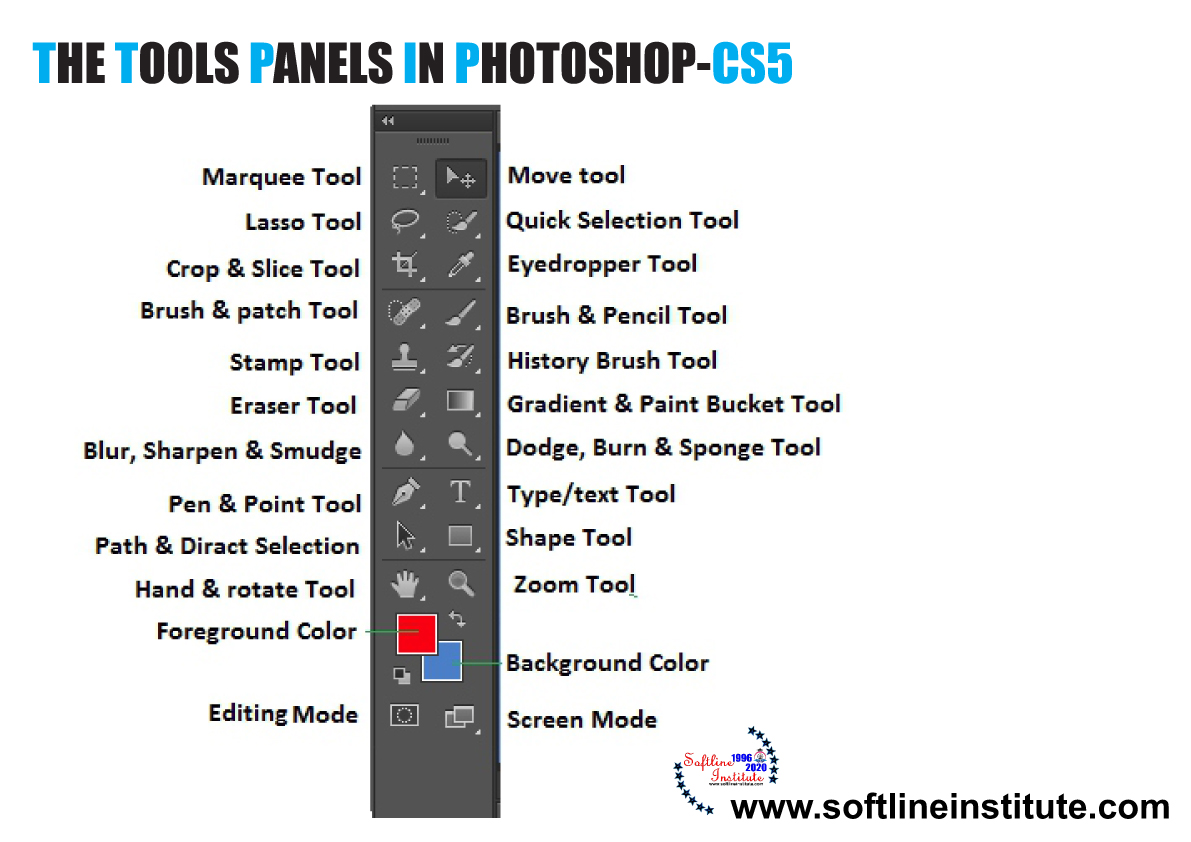
The Tools Panel in Photoshop CS5

0 Comments

What is Photoshop CS5? The Photoshop has evolved as the most popular program and the foremost choice among Graphic Designers, Web Designers and Multimedia Designers and the Photographers since its first release. Photoshop CS5, the…
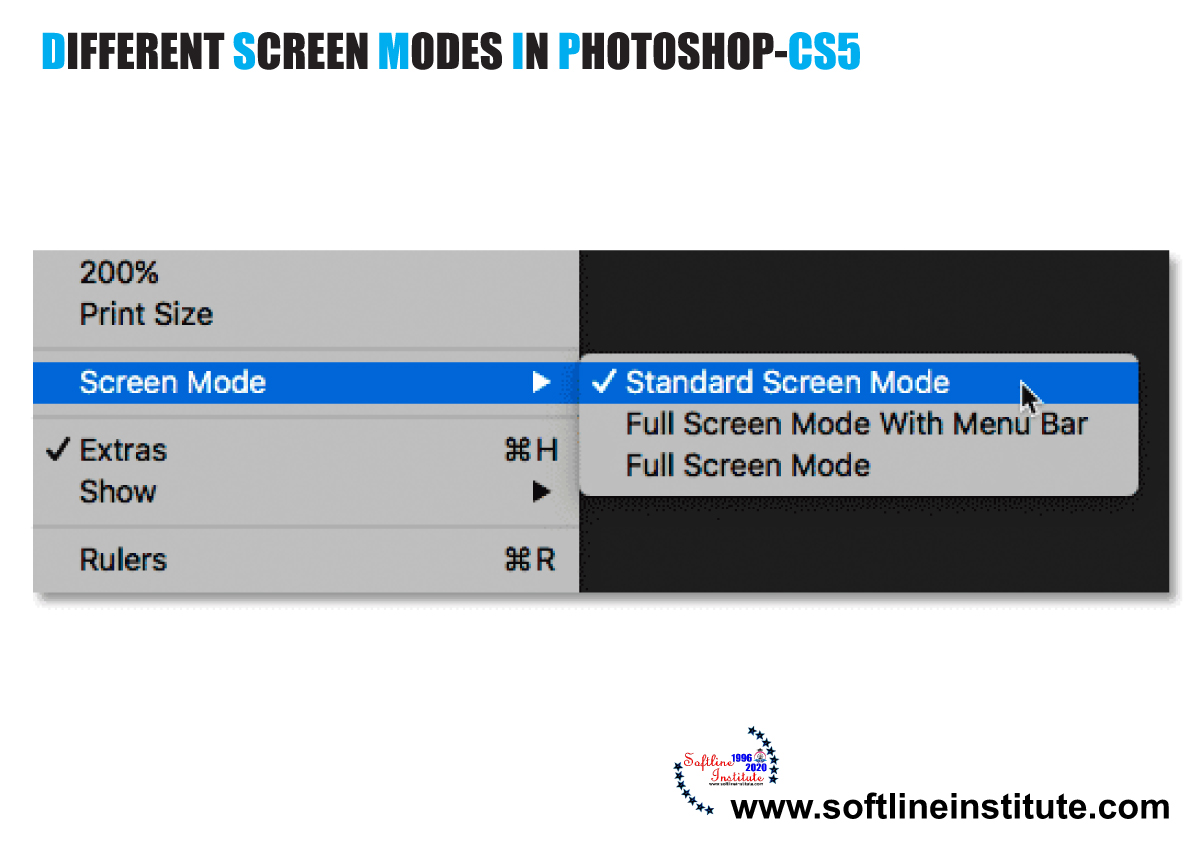
Different Screen Modes in Photoshop CS5

0 Comments

What is Photoshop CS5? The Photoshop has evolved as the most popular program and the foremost choice among Graphic Designers, Web Designers and Multimedia Designers and the Photographers since its first release. Photoshop CS5, the…

Types of Panels in Photoshop CS5

0 Comments

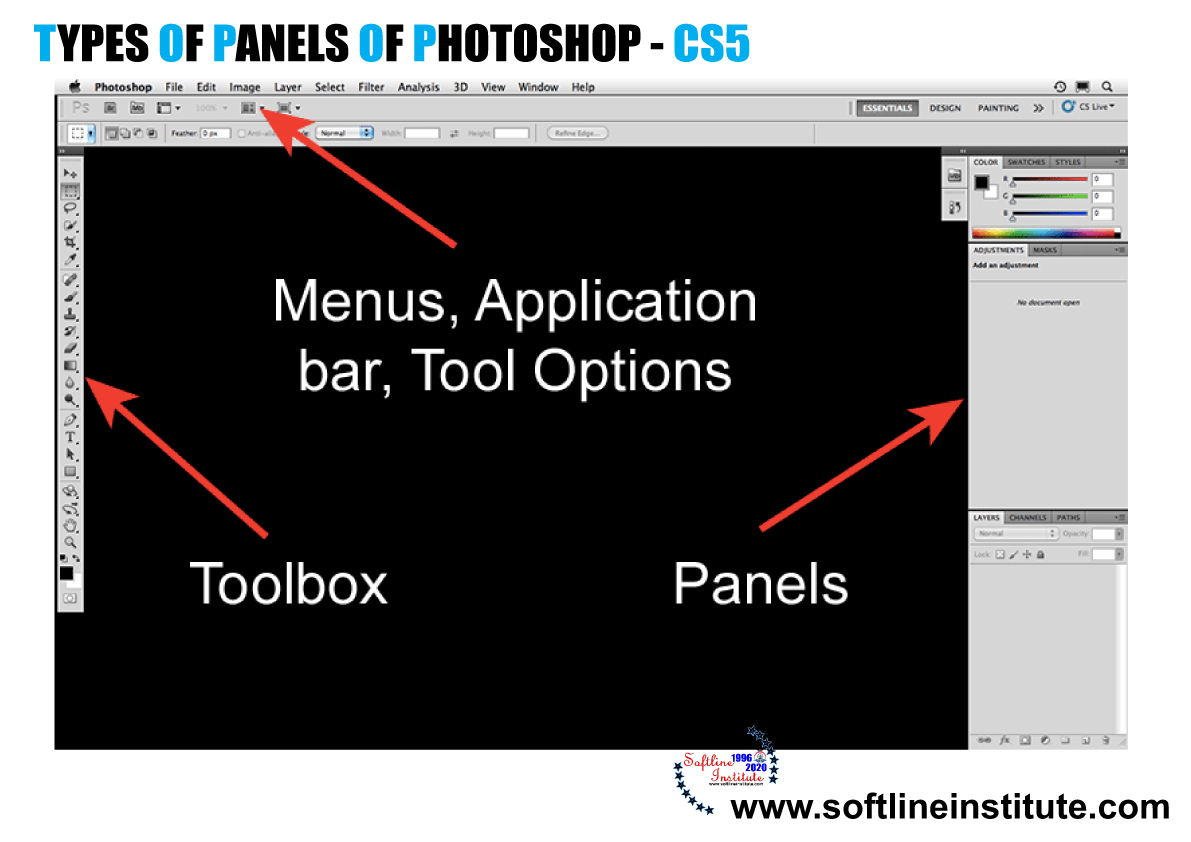
What are Panels? Panels are small adjustable windows that provide access to common commands and options. Such as; creating a layer in the LAYERS panel or going back to the right side of the Photoshop…

Exploring the Interface Of Photoshop CS5

0 Comments

The Photoshop CS5 Application interface is where you open or import digital images into the Document Window. And then edit the images using combinations of tools, menu commands and panel options. The new interface has…

Publishing File in Flash CS5

0 Comments

INTRODUCTION of Publishing File Publishing File (i) The use of the Internet as a medium of communication has grown rapidly in recent years. Among its many obvious benefits, the Internet is an ideal place to…

Types of Panel of Flash CS5

0 Comments

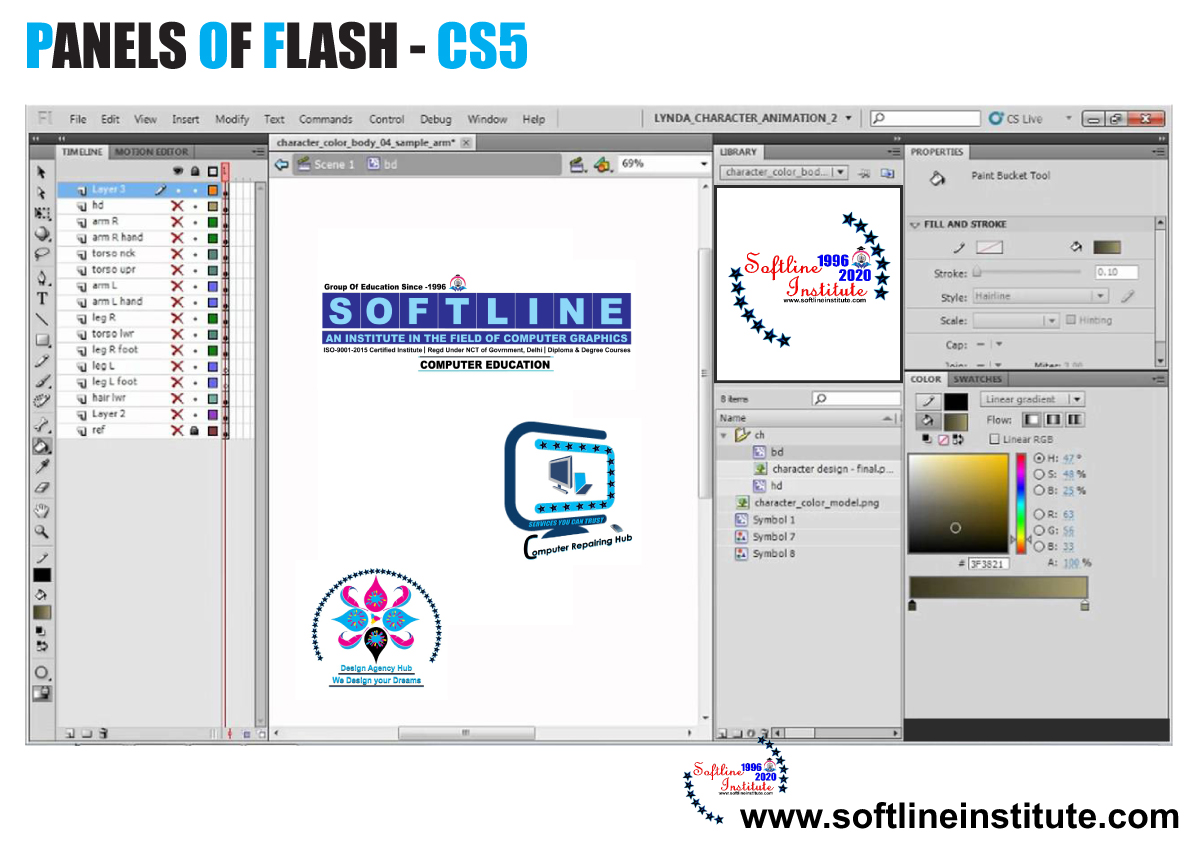
Tools The tools panel is located on the right side of the Flash CS5 window. The tools in this panel appear in the form of buttons and are used to draw, paint, select, and modify…

Flash CS5 (Menu Bar)

0 Comments

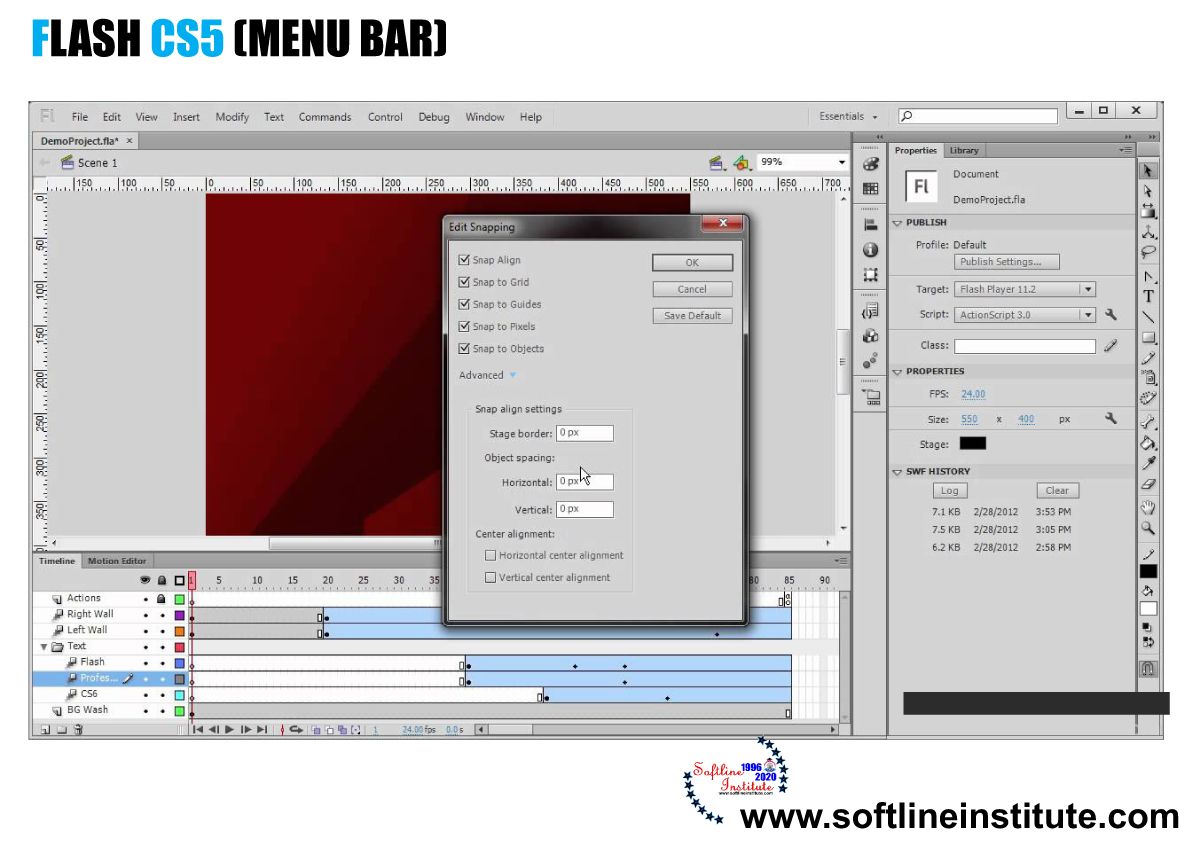
The Menu Bar is located below the Title bar in the Flash window. The Menu Bar of Flash CS5 is shown in the following figure: Lists of Menu Bar 1. File Enables you to open,…

Types of Panels of Corel-DRAW X5

0 Comments

Drawing Window The Drawing Window of Corel-DRAW X5 is the workspace area that is bordered by scroll bars and various controls. It includes the Drawing Page and the surrounding area. The Drawing Page is a…

Toolbox in CorelDRAW X5

0 Comments

In CorelDraw X5 the Toolbox is located on the left side of the Drawing window. Toolbox contains a range of tools that you can use for performing specific drawing and editing tasks. Such as creating,…