Edit Commands in Illustrator CS4

0 Comments

In most programs, including, many basic functions of the Edit menu work the same way. if you've used the Edit menu in Photoshop or Microsoft Word, for example, you should have no trouble using the…
What is New In Illustrator CS4 ?

0 Comments

Multiple Artboards For 13 versions (give or take a depending on what you consider a version), Illustrator has supported a grand total of one page. Yes there are clever workarounds (page tilling, resetting ruler origins,…

Understanding Illustrator ‘s Interface

0 Comments

Not too long ago, Commercial Artists and Illustrators worked by hand, not on the Computers. You might find it hard to believe, but they spent hours and hours with T-Squares, Rulers, French Curves, and Types…

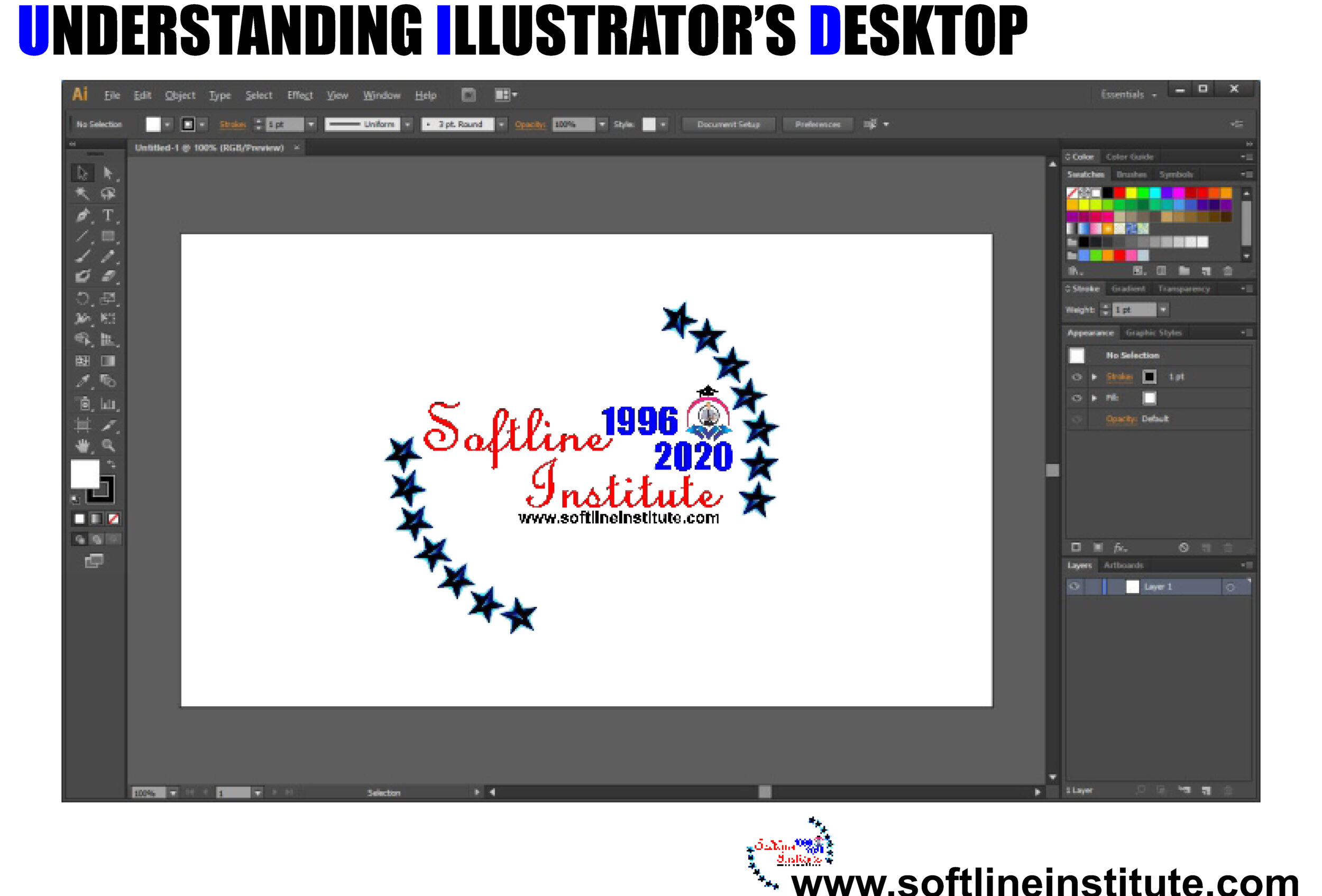
Understanding Illustrator’s Desktop

0 Comments

Working in the Document Window The document window of Illustrator's is where you perform all your work. It contains the two mail elements: Artboard and Pasteboard. Tip: You can move the printable area represented by…

Publishing File in Flash CS5

0 Comments

INTRODUCTION of Publishing File Publishing File (i) The use of the Internet as a medium of communication has grown rapidly in recent years. Among its many obvious benefits, the Internet is an ideal place to…

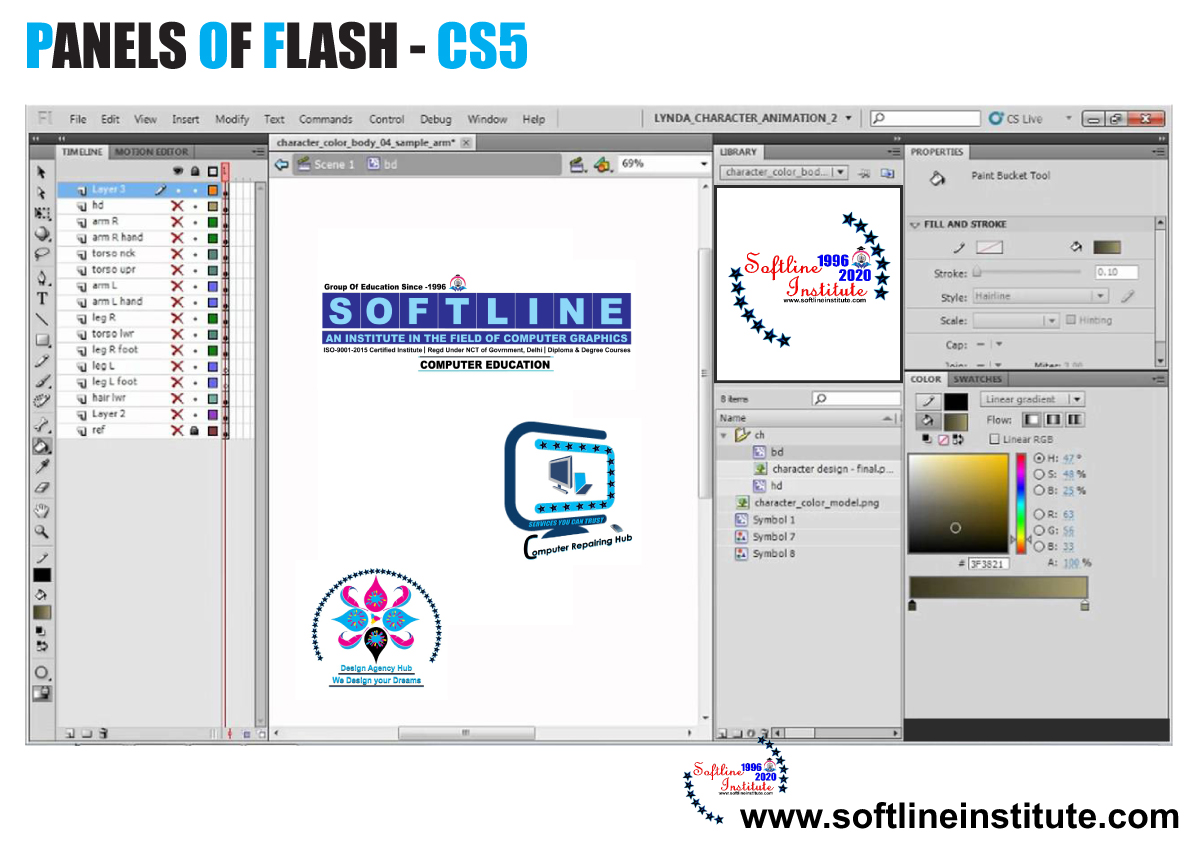
Types of Panel of Flash CS5

0 Comments

Tools The tools panel is located on the right side of the Flash CS5 window. The tools in this panel appear in the form of buttons and are used to draw, paint, select, and modify…

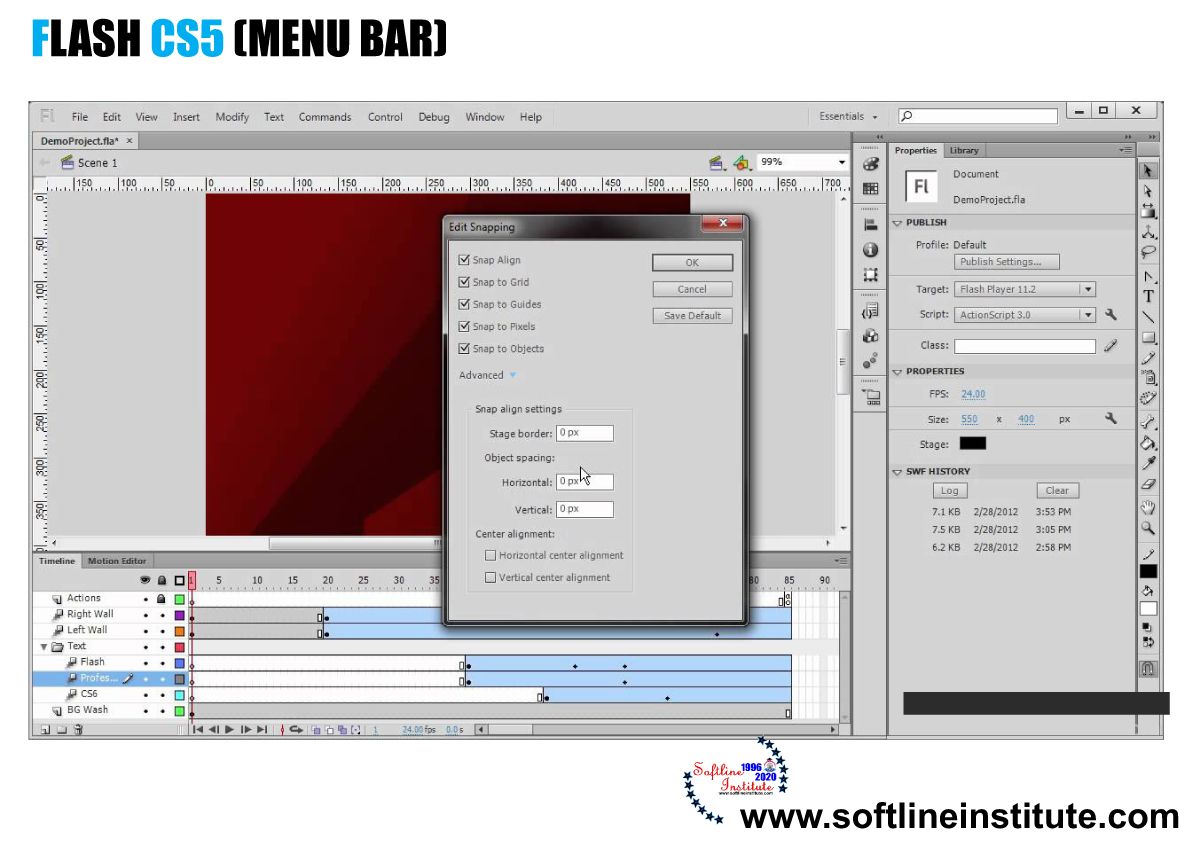
Flash CS5 (Menu Bar)

0 Comments

The Menu Bar is located below the Title bar in the Flash window. The Menu Bar of Flash CS5 is shown in the following figure: Lists of Menu Bar 1. File Enables you to open,…

What is Adobe Flash CS5

0 Comments

Introducing Flash CS5 Adobe Flash CS5 (or simply Flash), previously known as Macromedia Flash. It is a multimedia graphics application specially used to add animation and interactivity to web pages. You can create vector graphics…