Wireless Security

Wireless Security

Technology
We all like to think we have privacy, even when often we don't. Some people move into the Alaskan outback, 50 miles from the nearest truck stop, to ensure that they have no chance of running into another human being. Others maintain psychological limits while living in dense environment: though Glenn can see neighbors through his kitchen window, through mutual unspoken consent, he and his neighbors never acknowledge each others presence. (Wireless Security) These anecdote illustrate the extremes of wireless networking as well. As long as our wireless networks are isolated, we don't have to worry about others. The minute someone comes within range, our privacy can be compromised. Transmission over wireless networks, because they go through walls, ceilings, floors, and other obstructions, are easily intercepted by consumer-level equipment just…
Read More
Bluetooth

Bluetooth

Technology
When you realize that you forgot to pack the USB Cable necessary for downloading the Images from your digital camera. Try to use infrared to synchronize your palm, or want to share files without a network insight. Bluetooth starts to make a lot of sense. Itis a short-range, ad hoc networking standard that uses the same 2.4 GHz band as 802.11 b. Designed to run at a new raw rate of 1 Mbps over a net throughout of about 700 Kbps. It omits all the Ethernet-like overhead of 802.11 b. To enable quick connections between Computers and other devices, often for short periods or single-item transactions. Bluetooth Technology It uses frequency hoping instead of direct sequence, and Bluetooth devices change the frequencies 1600 times per seconds. This combination makes it…
Read More
Hubs

Hubs

Technology
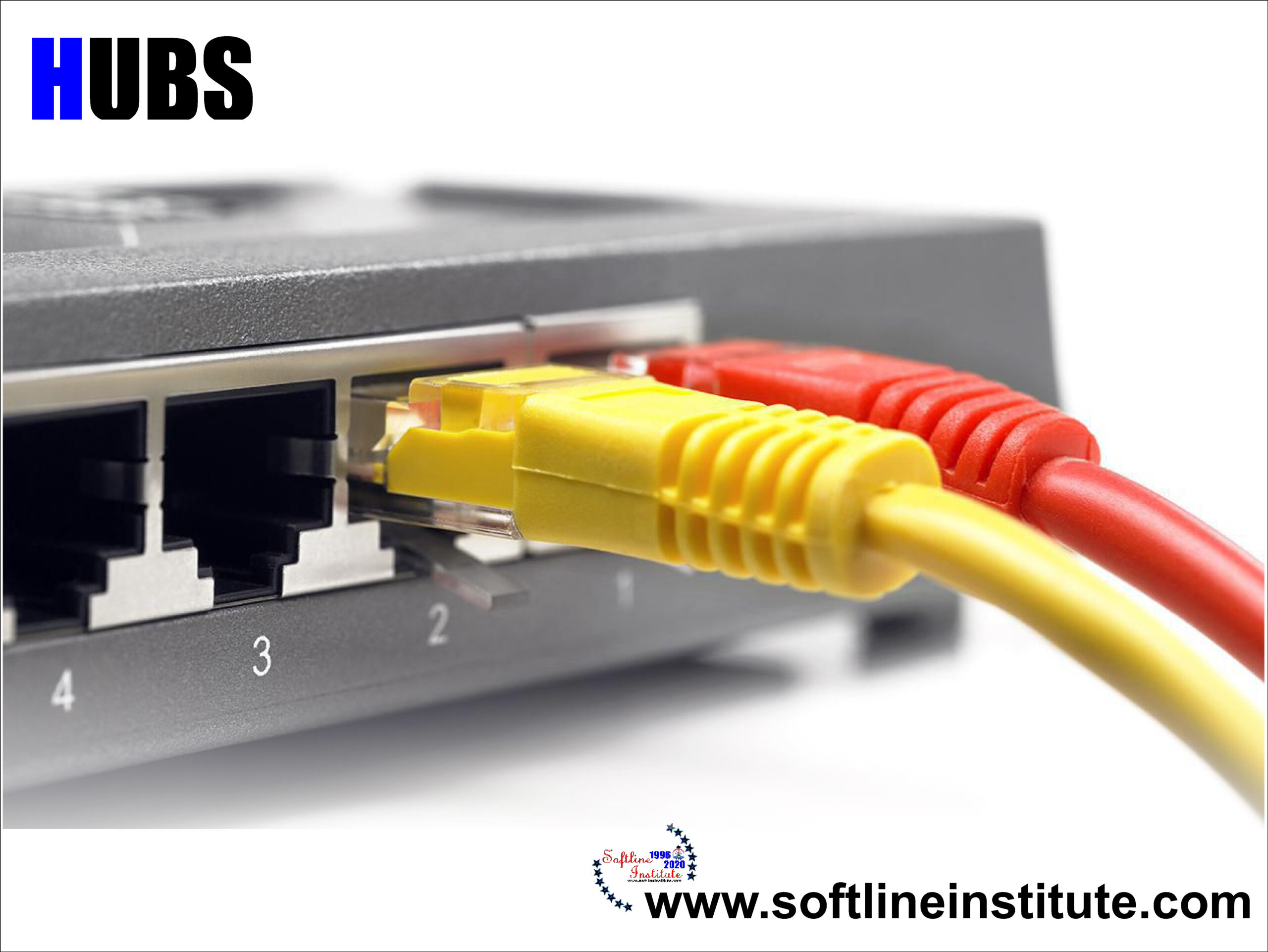
What are Hubs? Hubs have two or more ports into which you can plug your Computers (although a two-port hub may seem fairly pointless, since it lets you connect only two Computers; two-port hubs tend to be extremely small and intended for creating quick Networks while travelling). As with Network Adapters. Hubs must support the type of Ethernet you Network uses, so if you have installed Fast Ethernet (100 Base-T) or Gigabit Ethernet (1000 Base-T), make sure your Hub supports it. Modern hubs can auto sense the speed of network and configure their ports appropriately- there is no problem with mixing and matching 10 Base-T devices and Fast Ethernet devices on a single 10/100 auto-sensing hub. Types of Hub There are three Types of Hubs- Passive, Switching and Intelligent 1.…
Read More