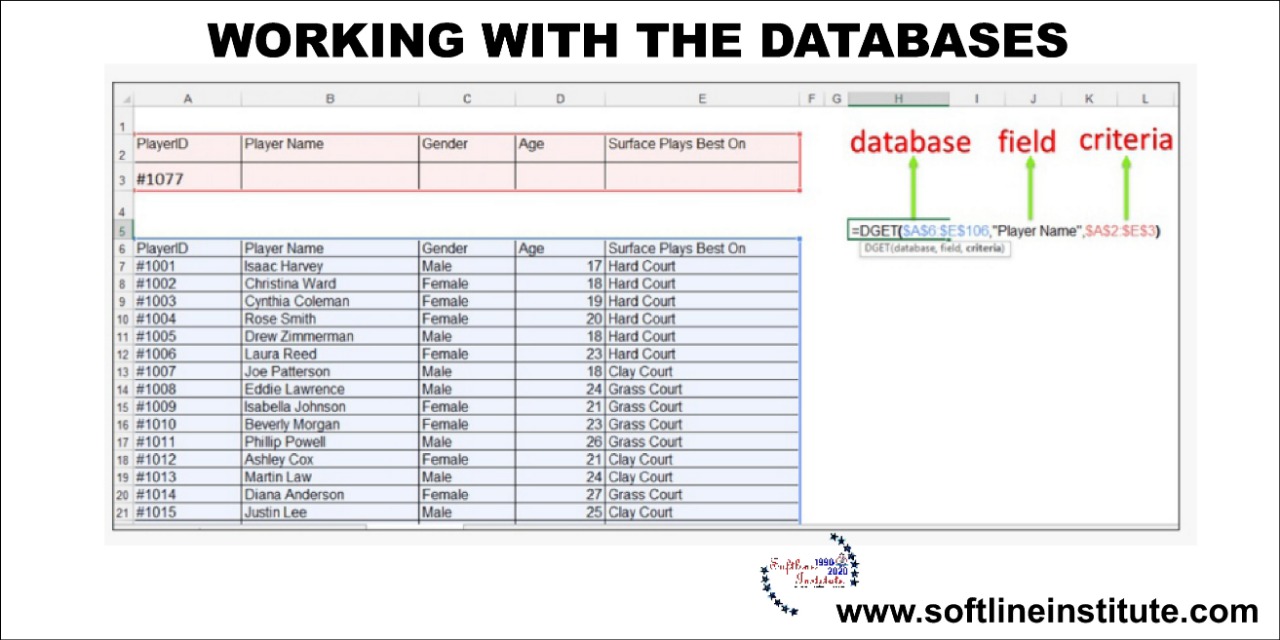
Working With The Databases

Working With The Databases

Excel
Entering the Data      In Excel Databases we can fill, correct and format the data same as any normal Worksheet or cell. We can also take the benefit of the Data Form in the Excel. You can fill the data in the any form, but keep some precautions.  Firstly, in excel there no facility of field type, therefore we can fill any text, number or date in any field. Sometimes it can be a problem. If you want to write any number which starts with a zero, in Excel Databases that zero will not shown.For example: All the STD codes starts with zero. To show them correctly we have to use the Apostrophe.       Secondly, If you mix the numbers text or date in any of the field, then Excel will…
Read More
Database in Excel

Database in Excel

Excel
MS Excel is basically a Spreadsheet. And it is better to use it as a spreadsheet. But We can take benefits of different activities for some time by creating the Databases. It is possible in Excel because it is divided into Rows and Column. We can assume any Row a record and any Column a field and can create a Database. There are many conditions included in the Database. For Example: -No. of records should be limited -The Height of Column should not more than 245 etc. Therefore we can't use MS Excel to make all types of databases. For this we can use MS-Access or FoxPro. We can make normal databases in Excel . What is Database in MS Excel? In easy Word, Database is an Organized Collection of…
Read More