Panels in Illustrator CS4
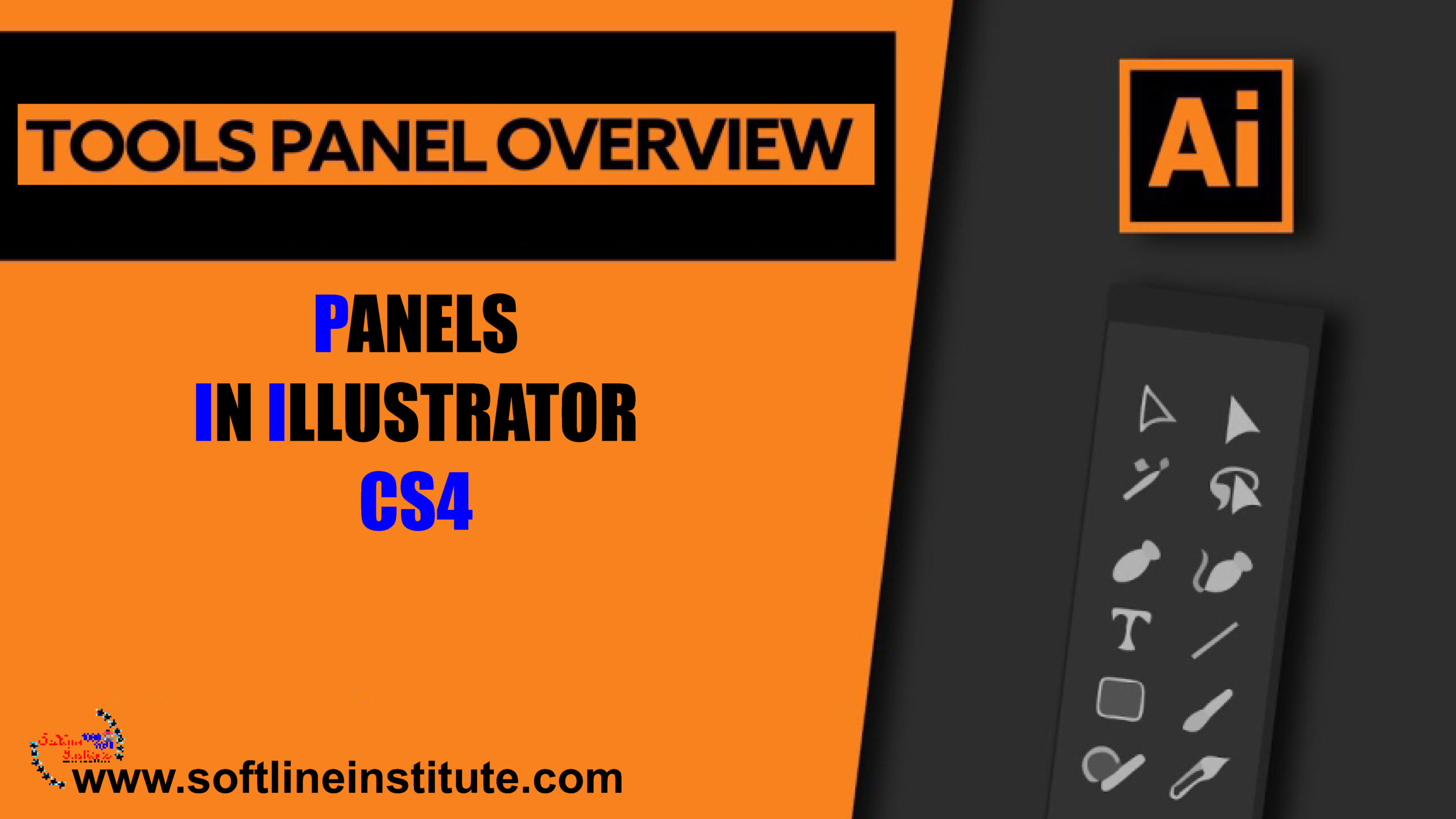
Using the panels Panels are small windows that are similar to dialog boxes. Panels can float or be docked. To make the following discussion a little more readable. I'll refer to both as panels; they're mostly interchangeable terms when discussing how they work and the contents of each of them. Panels allow you to control virtually every aspect of the Illustrator drawing environment. Illustrator has 34 standard panels and an unlimited number of library panels (for swatches, symbols, brushes, styles and more), all of which can remain open while you work on your document panel. Technically speaking a Panel is a modeless window. The big difference between a modeless window and a dialog box is that you don't have to close the modeless window to perform other tasks. Therefore, you…